1
Upload your book
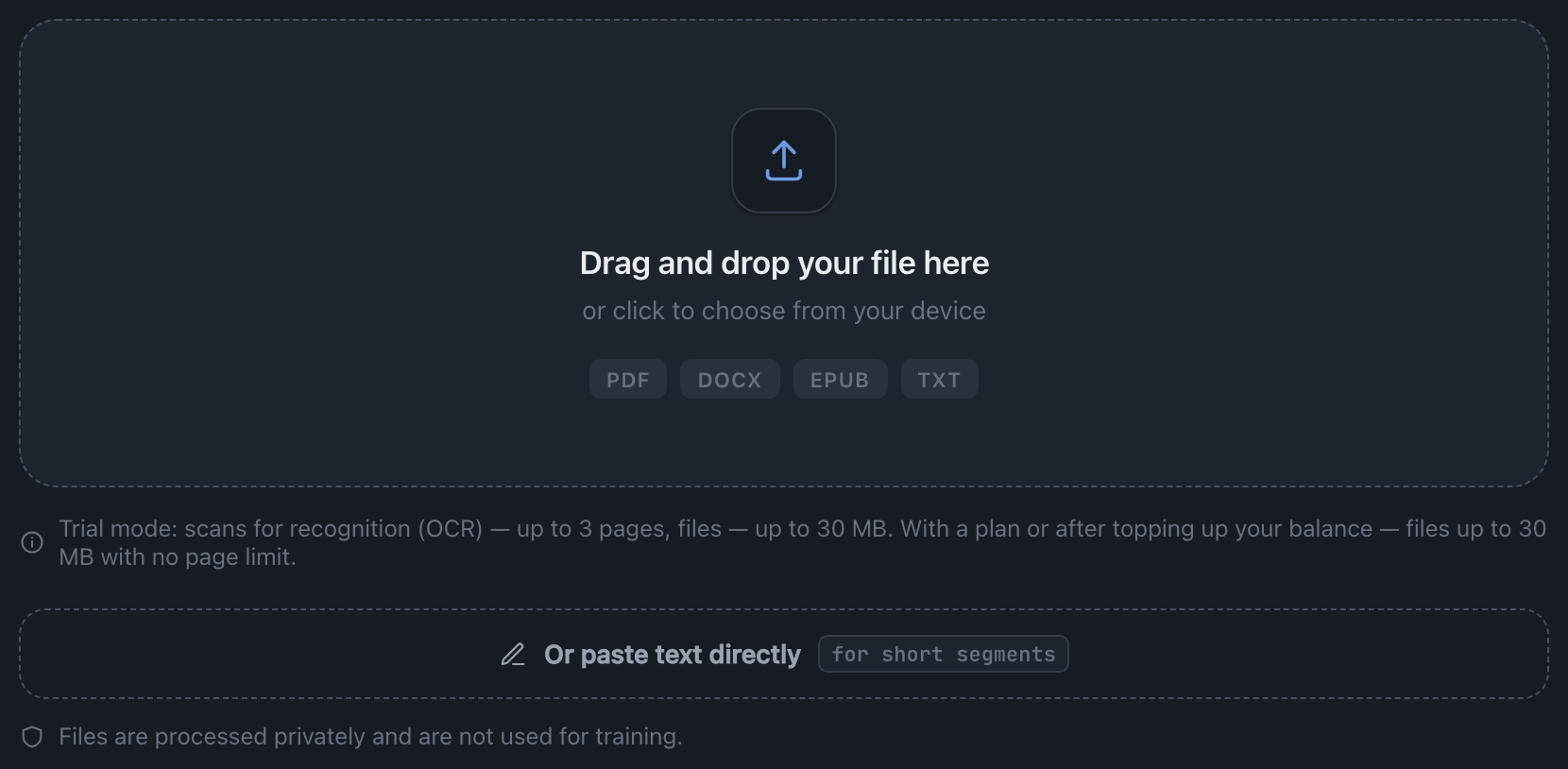
Drag and drop a file (PDF, DOCX, EPUB, TXT) or paste text directly. The source language is detected automatically, and long text is carefully split into segments.

Choose your role and follow the path like a roadmap. It's simple: upload, AI-pipeline processing, finished book.
Drag and drop a file (PDF, DOCX, EPUB, TXT) or paste text directly. The source language is detected automatically, and long text is carefully split into segments.
«Translation with processing» — the full pipeline: translation, quality control, editing, and proofreading. «Editing and polishing» — for finished text: editing and proofreading only.

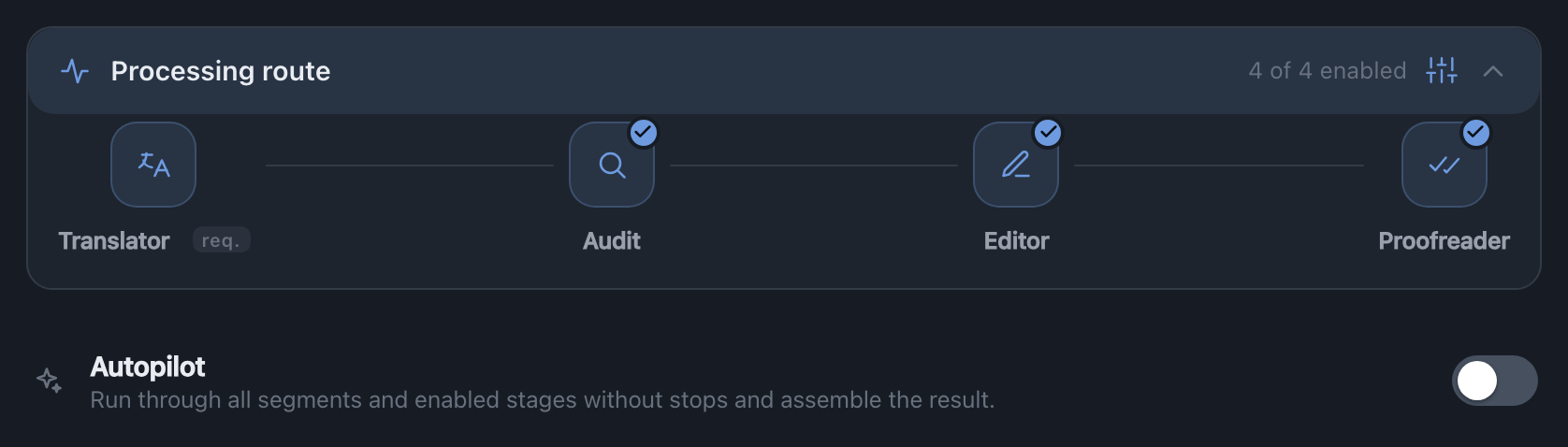
On the Analysis screen you can fine-tune the route: turn off stages you don't need (the price updates instantly) and choose the editing depth. Switch on Autopilot to run every stage end to end.
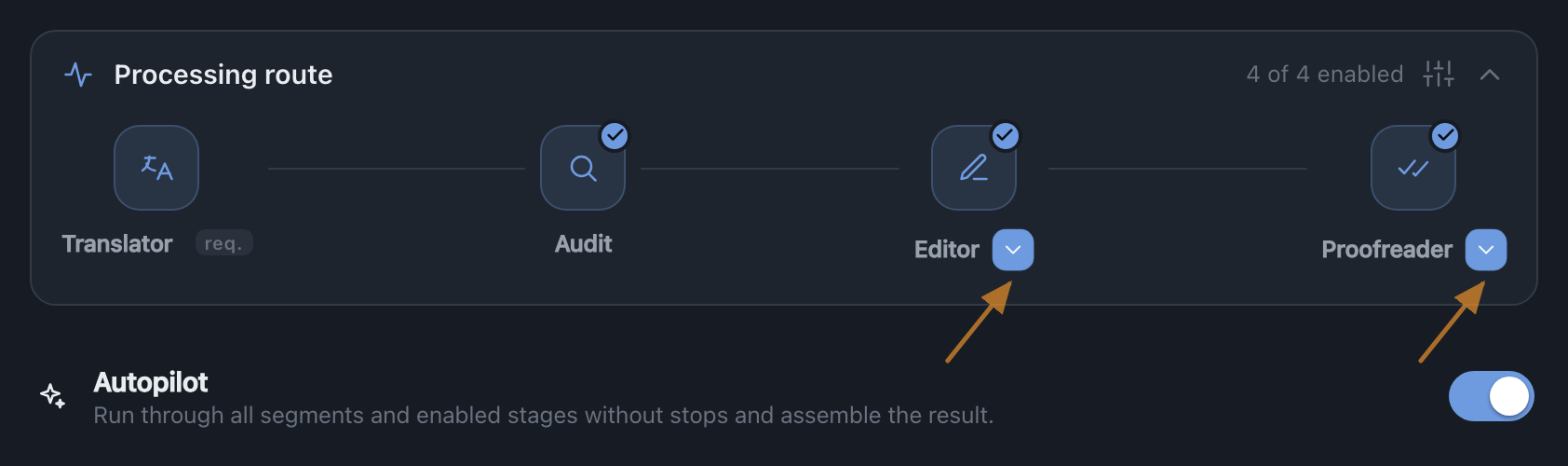
With Autopilot the pipeline runs through every stage on its own and assembles the finished book. Use the controls on Editor and Proofreader (the arrows point at them) to set how deep the editing and proofreading go — a light touch or a thorough rework.
The text goes through four stages: Translator → Audit → Editor → Proofreader. Progress is visible live, segment by segment.

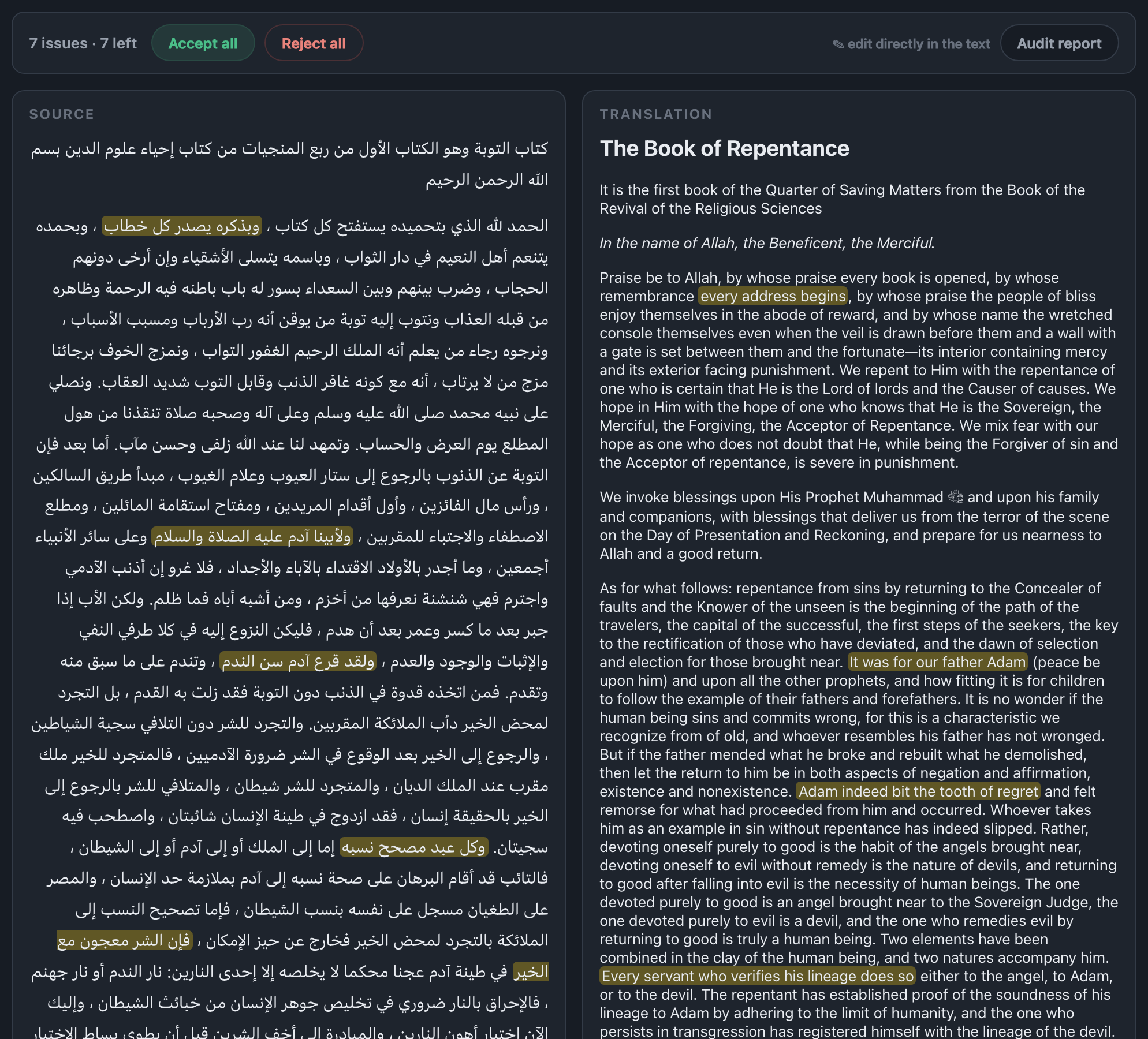
The Audit stage checks the translation against the source and flags issues — highlighted in both the source and the translation. Accept or reject each suggestion, or edit straight in the text.
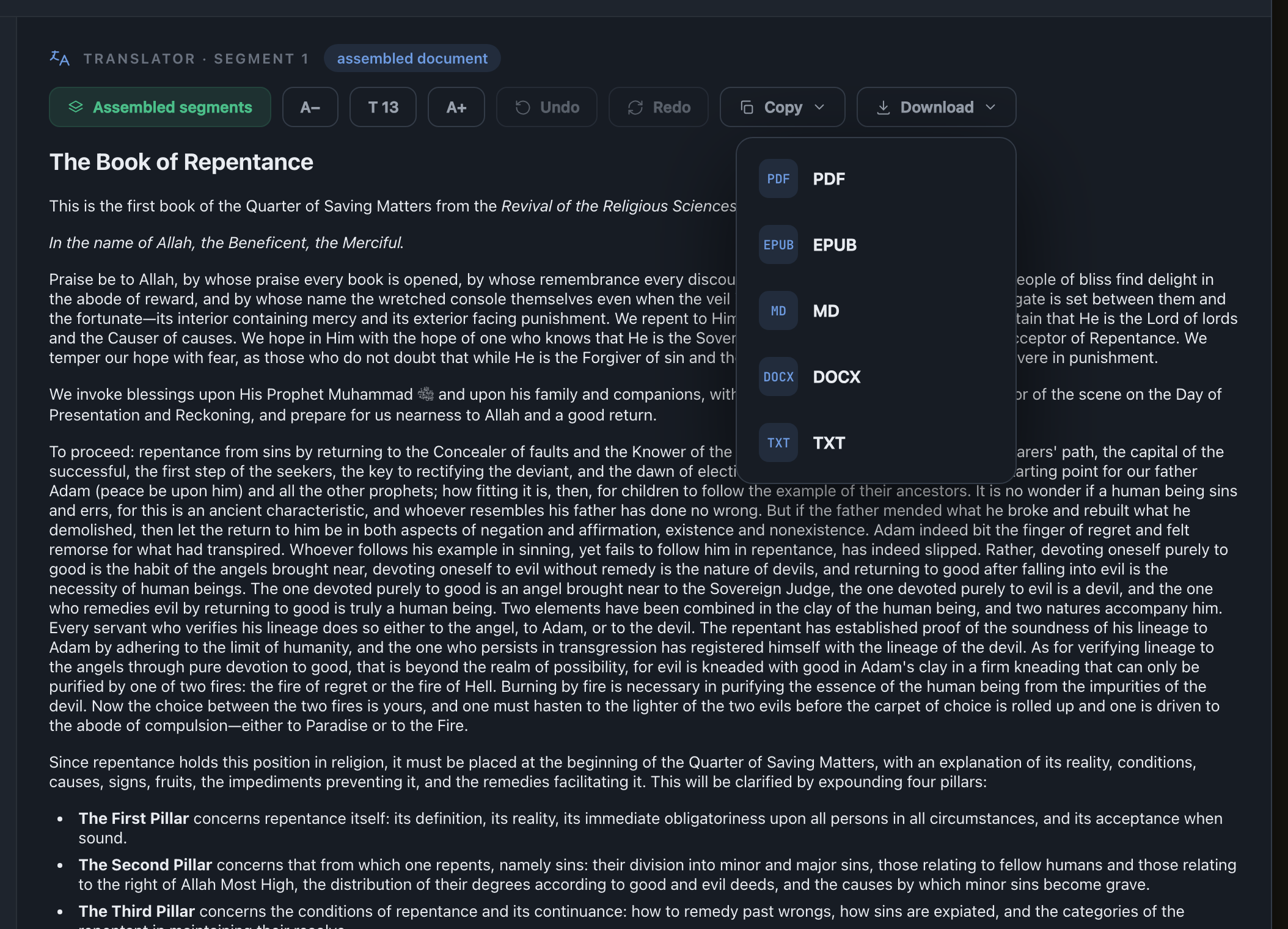
The result is available in the format you need: PDF, EPUB, DOCX, Markdown, or TXT. You can copy the text or download the file.
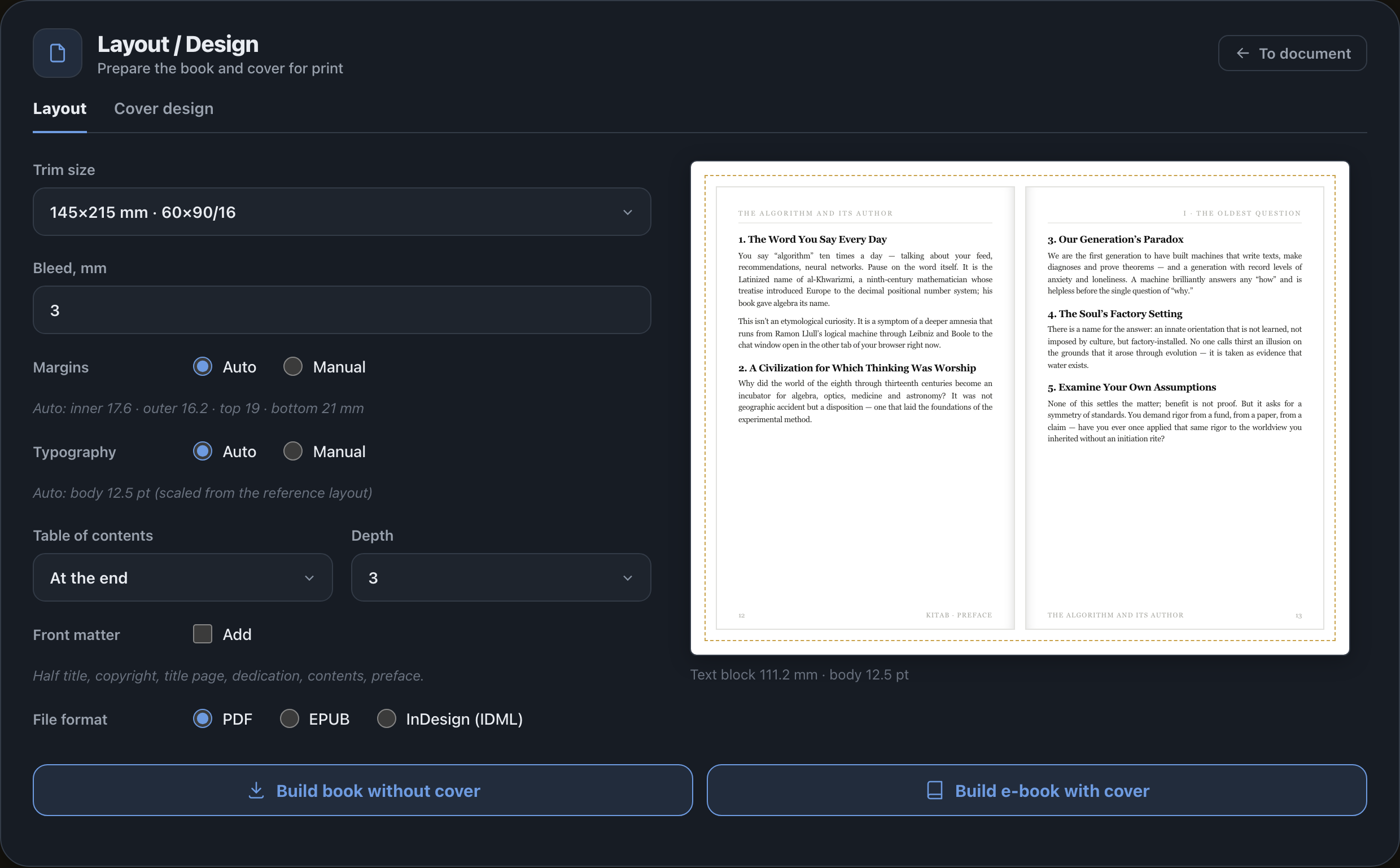
An optional step. On the “Layout” tab, set the trim size and bleed, margins and typography (automatic or manual — the body size is derived from the reference), the table of contents and its depth, and the front matter: half-title, copyright, title page, dedication, contents, preface. Pick a file format — PDF, EPUB or InDesign (IDML) — and press “Build book without cover” or “Build e-book with cover”.
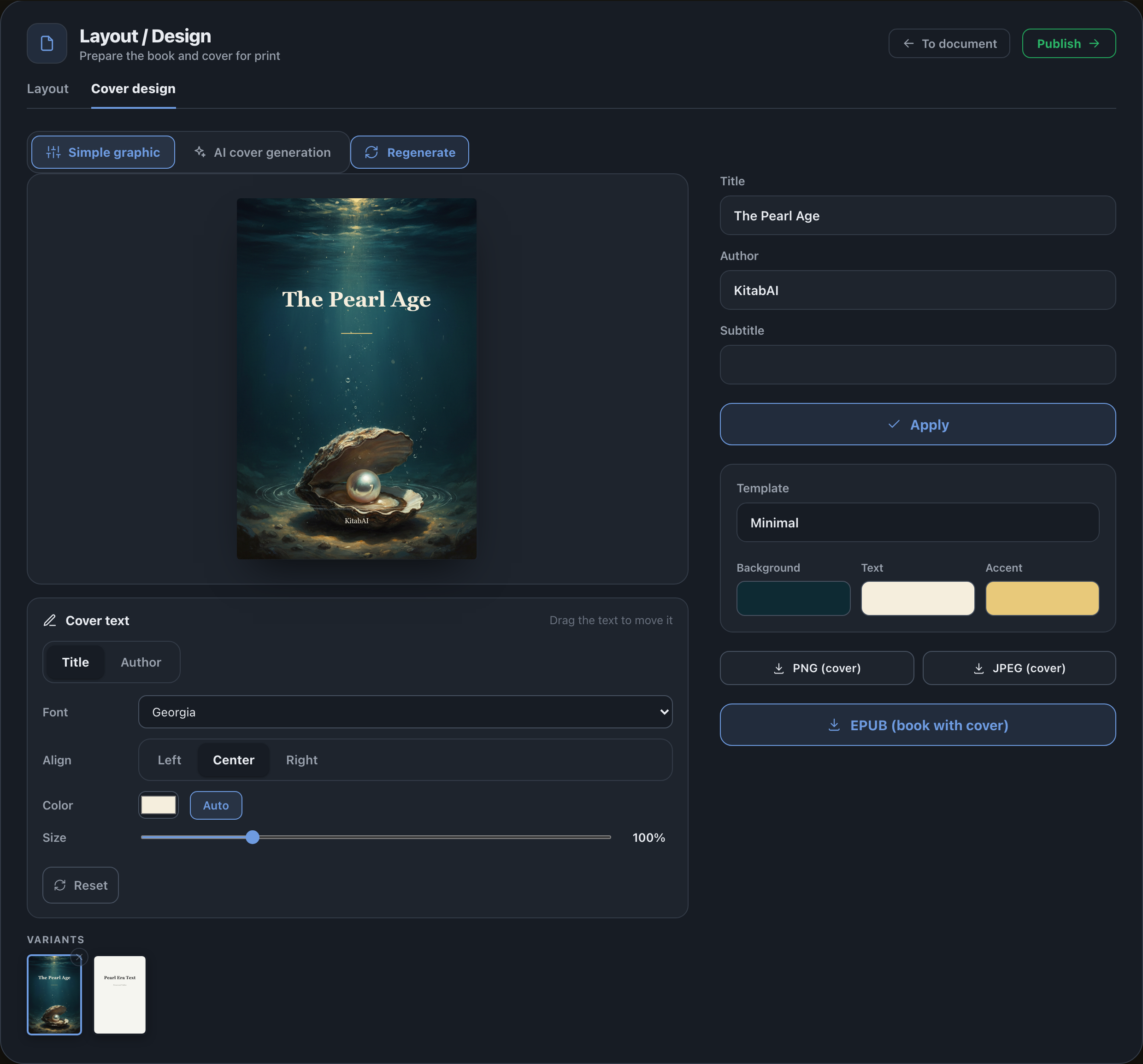
On the “Cover design” tab, craft the cover: a “Simple graphic” variant or “AI cover generation”, with “Regenerate” for fresh versions. Choose a template and colors (background, text, accent), and drag the text across the cover. Export the result as PNG, JPEG or EPUB, and “Publish” sends the book to the store.